Protect the Main Branch
GitHub supports branch protection rules and repository rulesets. Prefer rulesets where available because they provide clearer targeting and enforcement status.
- Open repository → Settings.
- Open Rules → Rulesets.
- Create a new branch ruleset named Protect main.
- Set the target branch to the default branch or pattern
main. - Set enforcement to Active after testing.
- Enable pull request requirements.
- Require at least one approving review when more than one engineer is available.
- Require conversation resolution.
- Require status checks when CI exists.
- Block force pushes and branch deletion.
- Restrict bypass permissions to the smallest owner group.
Small-Team Transitional Policy
When Cloudberrie has only one active engineer, enable protections that do not make work impossible: block force pushes and deletion, require PRs where practical, and document owner bypasses. Tighten review requirements as soon as another reviewer is available.
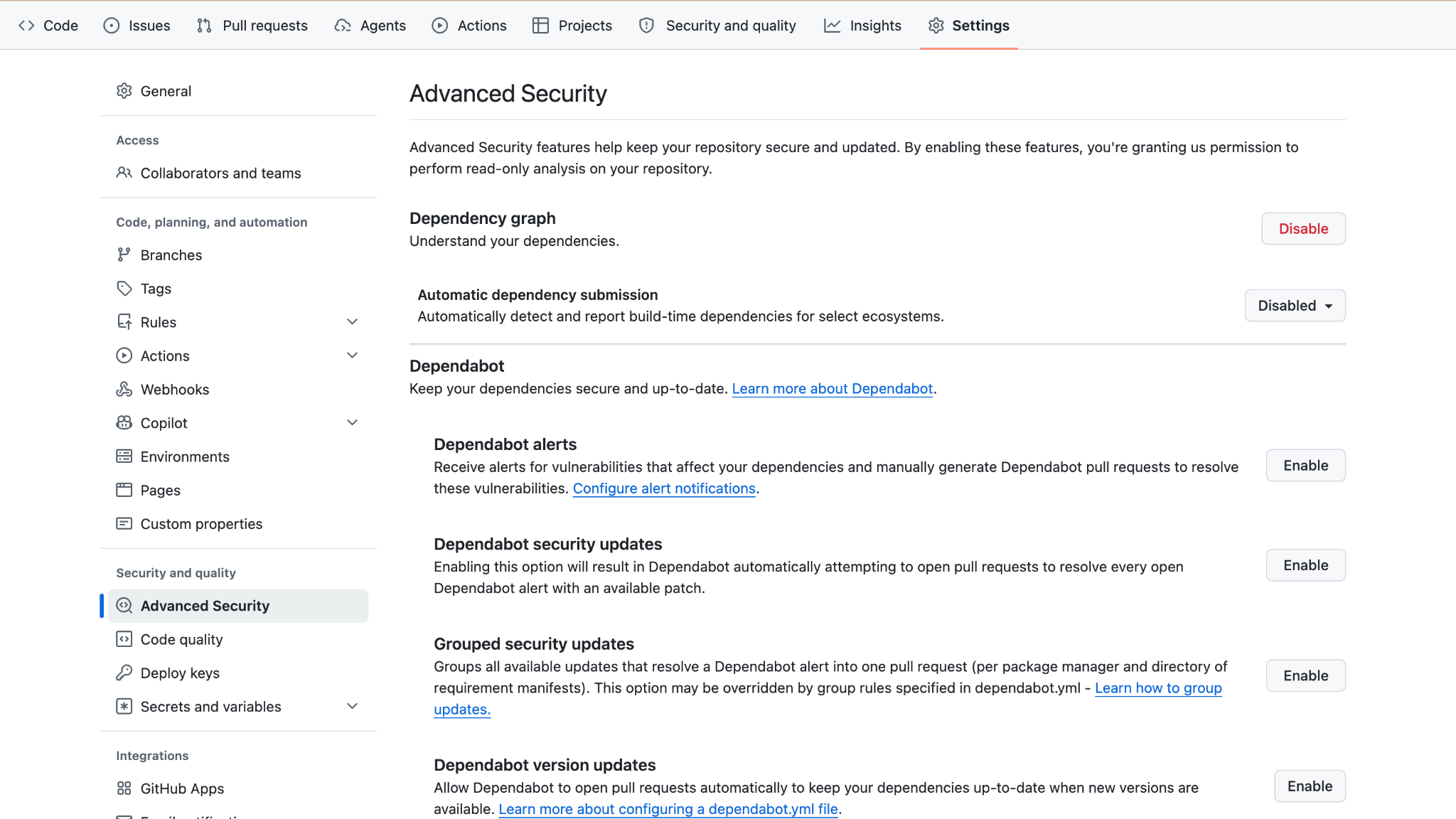
Security Features
- Dependency graph
- Dependabot alerts
- Dependabot security updates
- Private vulnerability reporting when appropriate
- Secret scanning and push protection when available for the repository and plan
- Code scanning where supported and useful
Feature availability can vary by repository visibility and GitHub plan. Enable every appropriate capability available in repository Settings → Code security / Advanced Security.
Secrets Management
- Use repository or environment secrets for GitHub Actions.
- Prefer short-lived credentials and provider-native integrations.
- Do not put secrets in workflow YAML, source code, issues, PR descriptions, or logs.
- Separate production and preview credentials.
- Rotate credentials after staff changes or suspected exposure.