Approved Commit Identity
| Git author name | Cloudberrie Engineering |
| Git author email | engineering@cloudberrie.com |
| GitHub account | cb-engops |
| Organization contact | accounts@cloudberrie.com |
Attribution rule: GitHub links a commit to an account when the commit email is verified on that account.
Why a Personal Account Appeared
The local Git configuration initially used an email already linked to another personal GitHub account. Repository ownership remained with the organization, but GitHub displayed that personal account beside earlier commits.
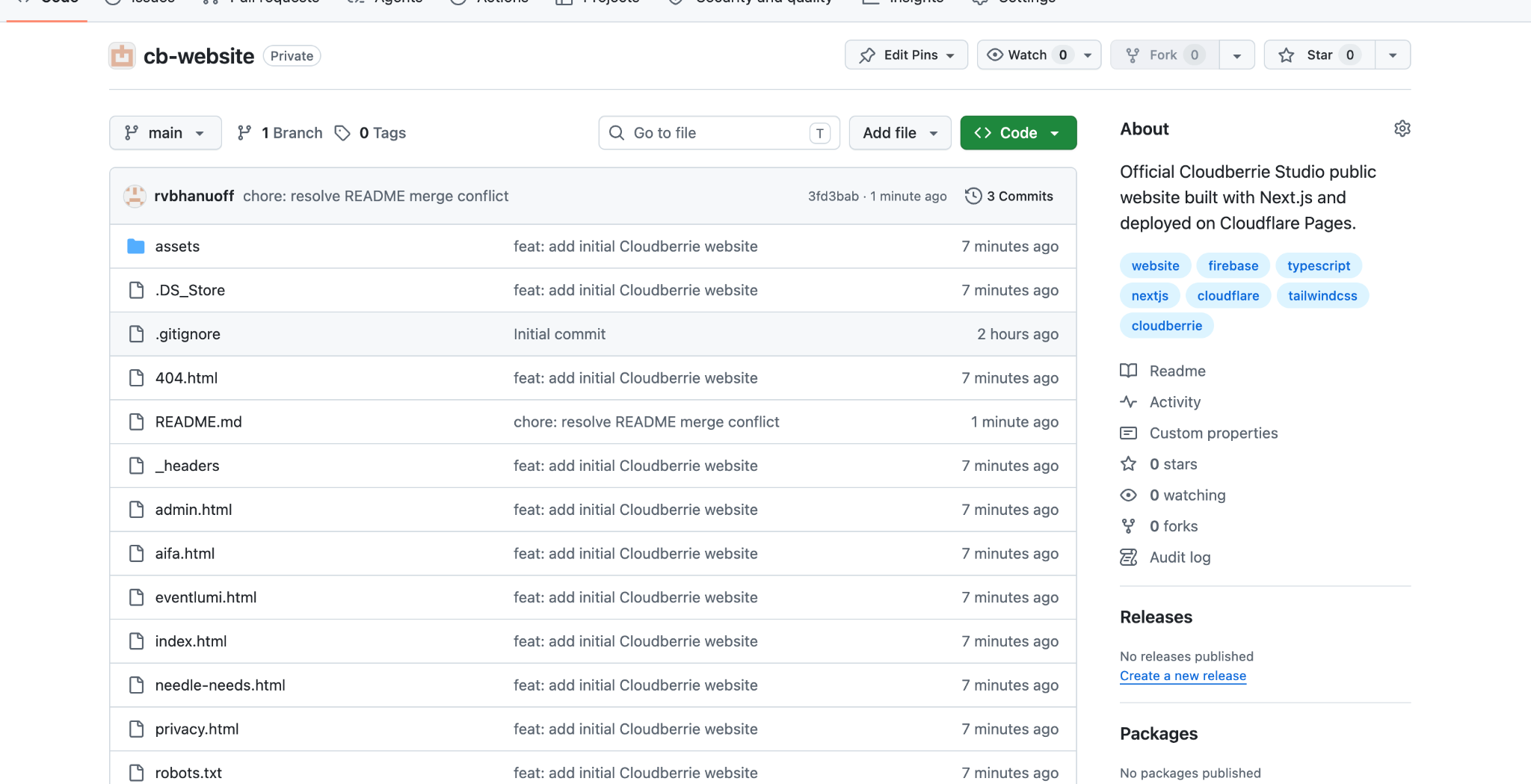
Rewrite a New Repository’s Commit Authors
Use only for a new repository with no collaborators or deployed dependencies. Rewriting history changes commit hashes.
git config user.name "Cloudberrie Engineering"
git config user.email "engineering@cloudberrie.com"
git branch backup-before-author-fix
git rebase -i --root --exec 'git commit --amend --no-edit --reset-author'
Save the interactive rebase plan without changing the commit lines. Resolve any README conflict:
git status
# edit README.md and remove conflict markers
git add README.md
git rebase --continue
Repeat until Git reports that the rebase completed. Then validate:
git log --format='%h | %an <%ae>' --reverse
git status
Update GitHub:
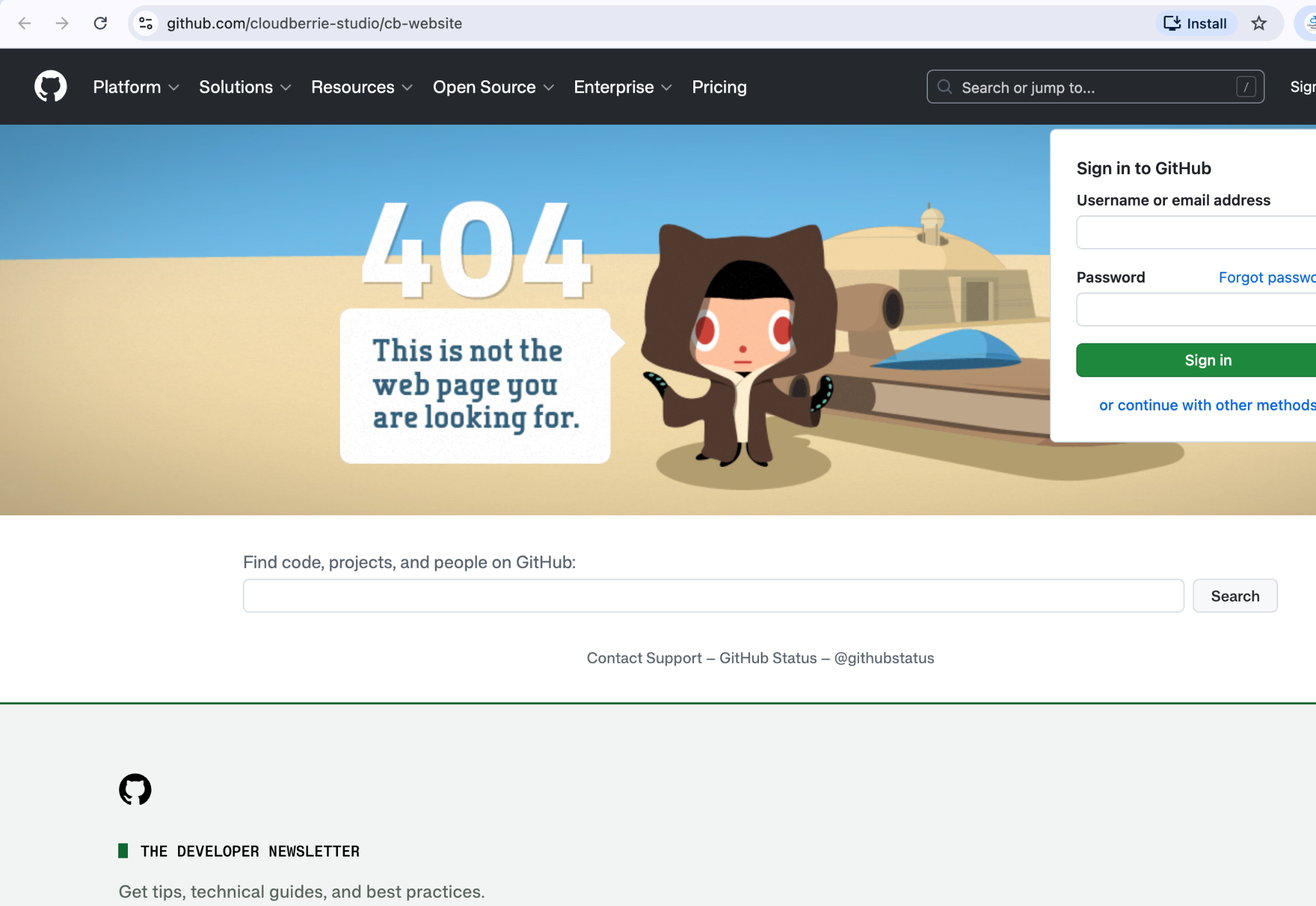
git push --force-with-lease origin mainPrivate Repository 404
GitHub may return a 404 for a private repository when the browser is signed into the wrong account or the organization context has not been selected. Navigate through cb-engops → Organizations → cloudberrie-studio → Repositories.